Reporting-Week Toolkit (Excel Budget vs. Actual and Commentary Tracker)
On Sale
$15.00
$15.00
Budget vs. actual templates are free everywhere. This one does what they don't: it flags only the lines that need a note, tracks who owes you an answer, and writes the summary email from your notes.
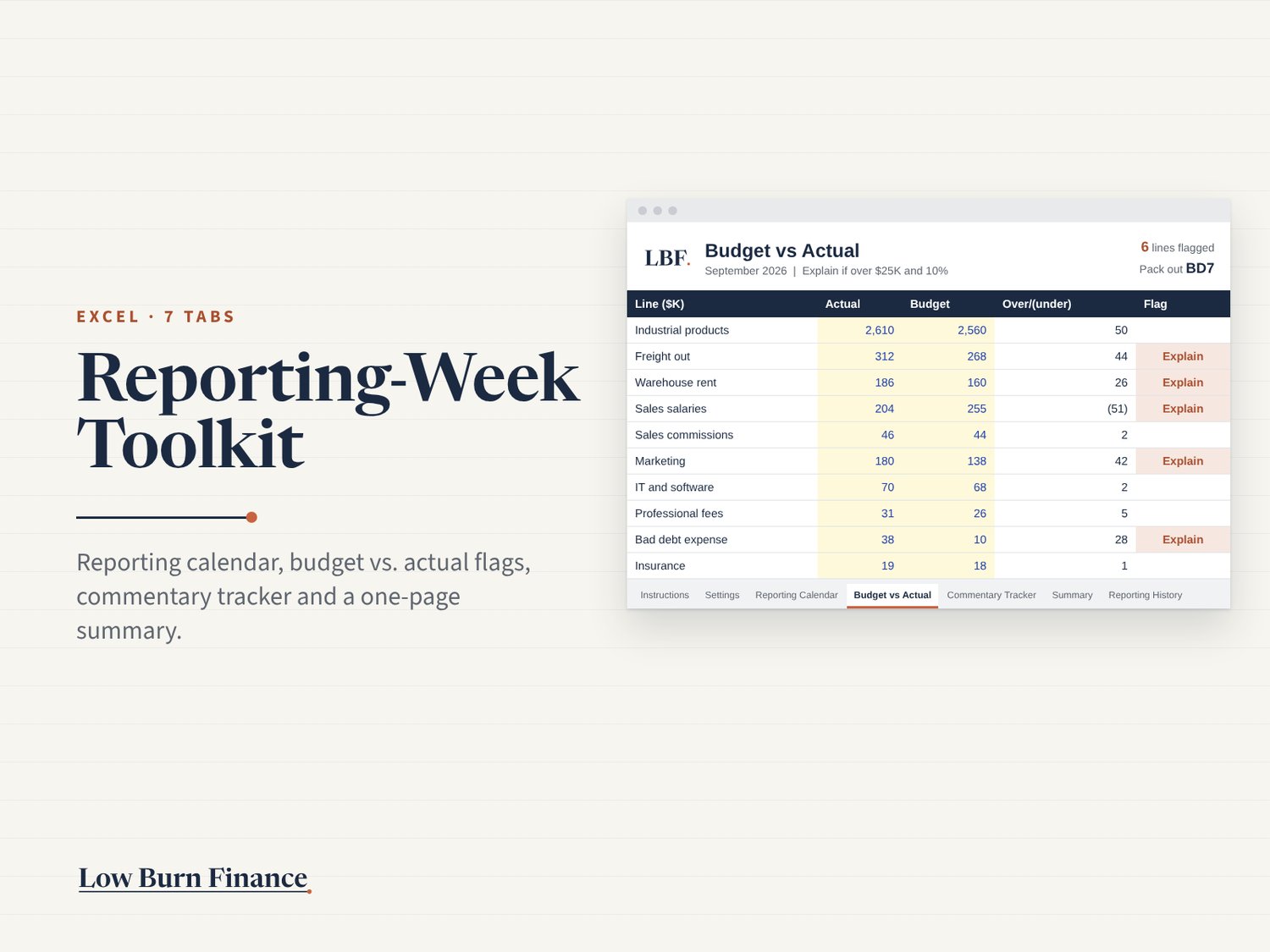
The 7 tabs
- Instructions: setup in five minutes, plus a legend
- Settings: close month, accounting's final day, your send day and company holidays
- Reporting Calendar: BD1 to BD10 dates in business days, skipping holidays, with the send day marked
- Budget vs. Actual: paste actual, budget and prior month; it calculates $ and % variances and flags lines over both your thresholds
- Commentary Tracker: owner, question sent, answer due, note and status, with flags for overdue answers, banned wording and missing notes
- Summary: key numbers, the biggest moves ranked, and a summary email built from your notes, ready to paste
- Reporting History: send day and hours by month, with a trend chart
It comes with a worked example (a distributor's September close), so you can see how it works before you clear it out. Formulas only, no macros.
Works in: Excel (Microsoft 365 or 2019 and later).
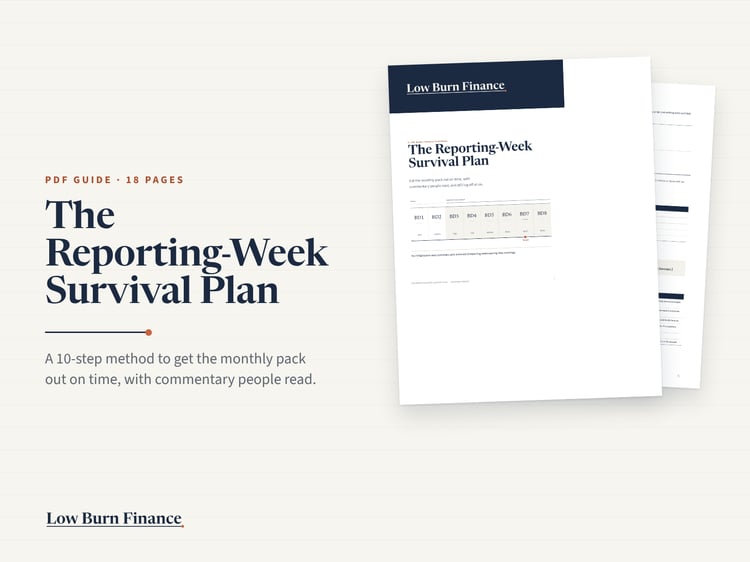
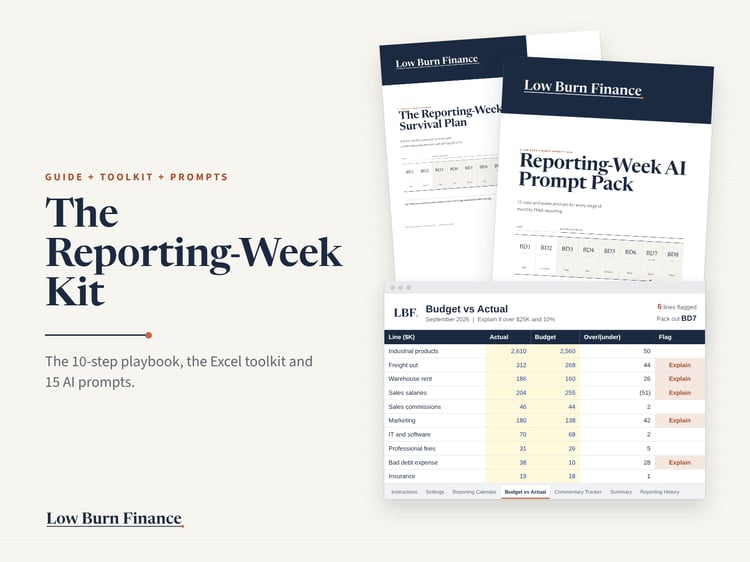
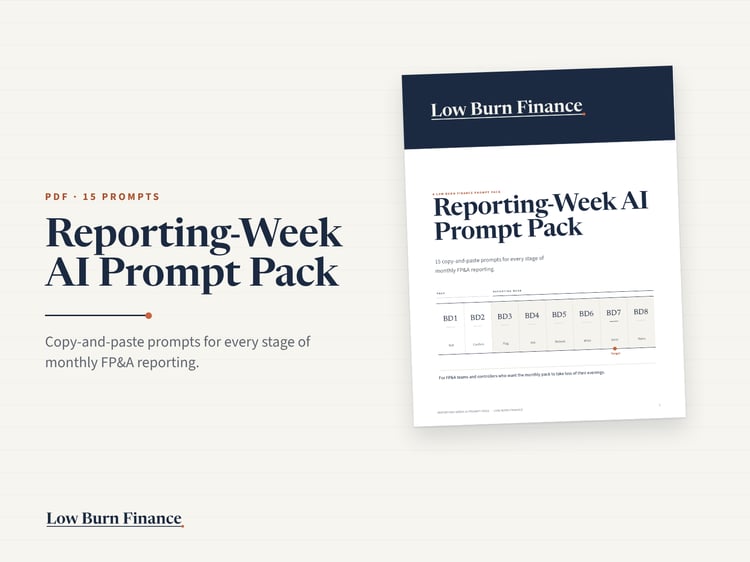
Pair it with the Reporting-Week Survival Plan, which explains the method behind each tab, or get both in the Reporting-Week Kit.